

Chat Messages Throttling
Control how frequently fans can send messages in chat rooms
Chat message throttling helps reduce spam and maintain healthy conversation flow without completely disabling chat activity. For example, if a room's throttling is set to 30 seconds, each individual fan can only send one message every 30 seconds to that room. Use cases for throttling messages include:
- Spam Prevention: Prevent a single fan from flooding a chat with rapid messages.
- Room-Specific Throttling: Apply different throttle policies per room depending on audience size or event type.
- Fair Participation: Ensure all fans have a chance to contribute to the discussion.
How throttling works
Each room has an optional message throttle control, specified in seconds, and a value of zero disables the throttle. Different chat rooms can have different throttle values.
Throttles are configured at the room level, and each sender in a room is throttled separately. The throttles are enforced by the Send a Chat Message API, so when an attempt to send a message exceeds the throttle the API returns a 429 Too Many Requests error.
Configuring throttling via the CMS
The "message throttle" field controls the throttle setting for that room. The field is available when creating new chat rooms and when editing existing ones.
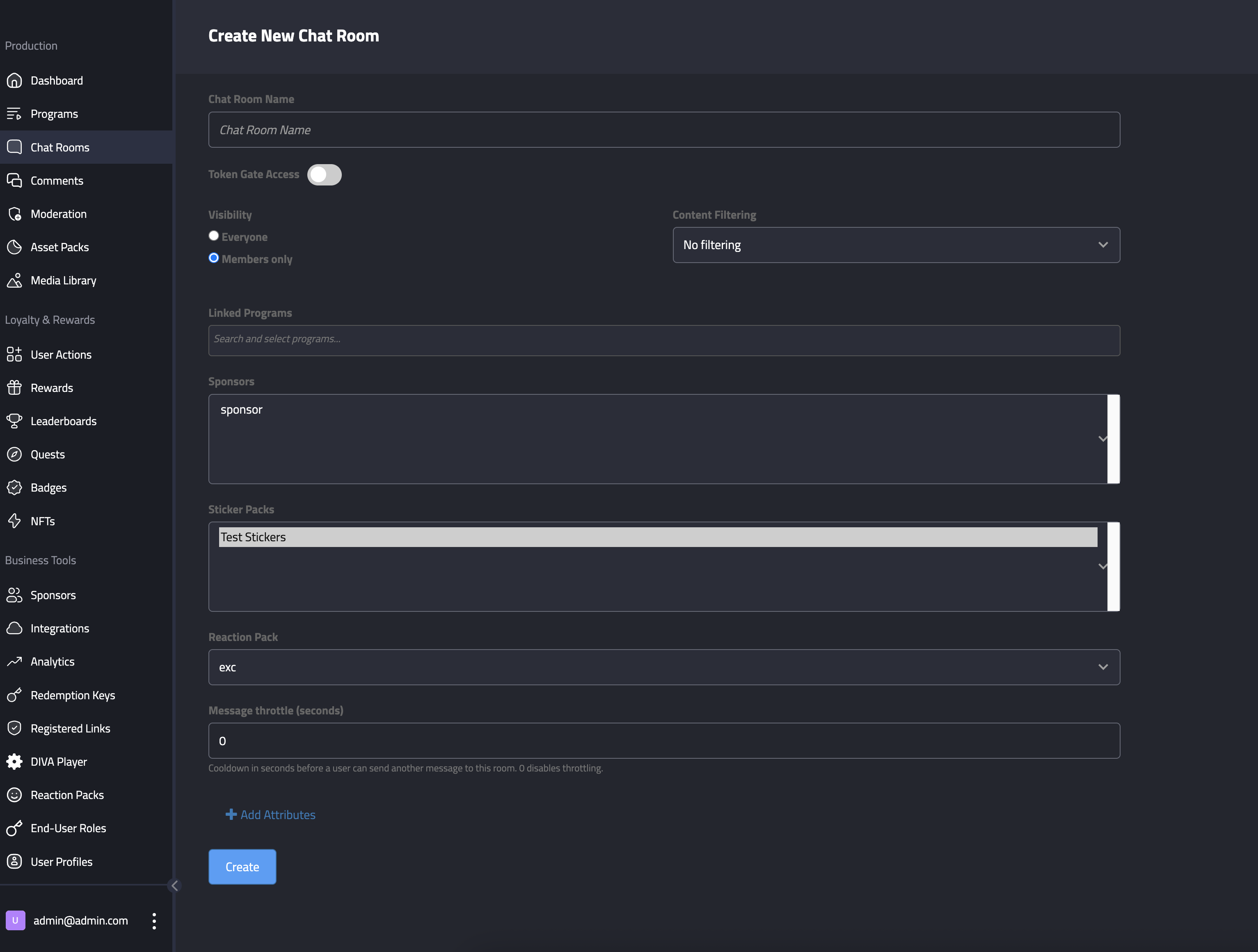
Message throttle can be set when creating a new room.
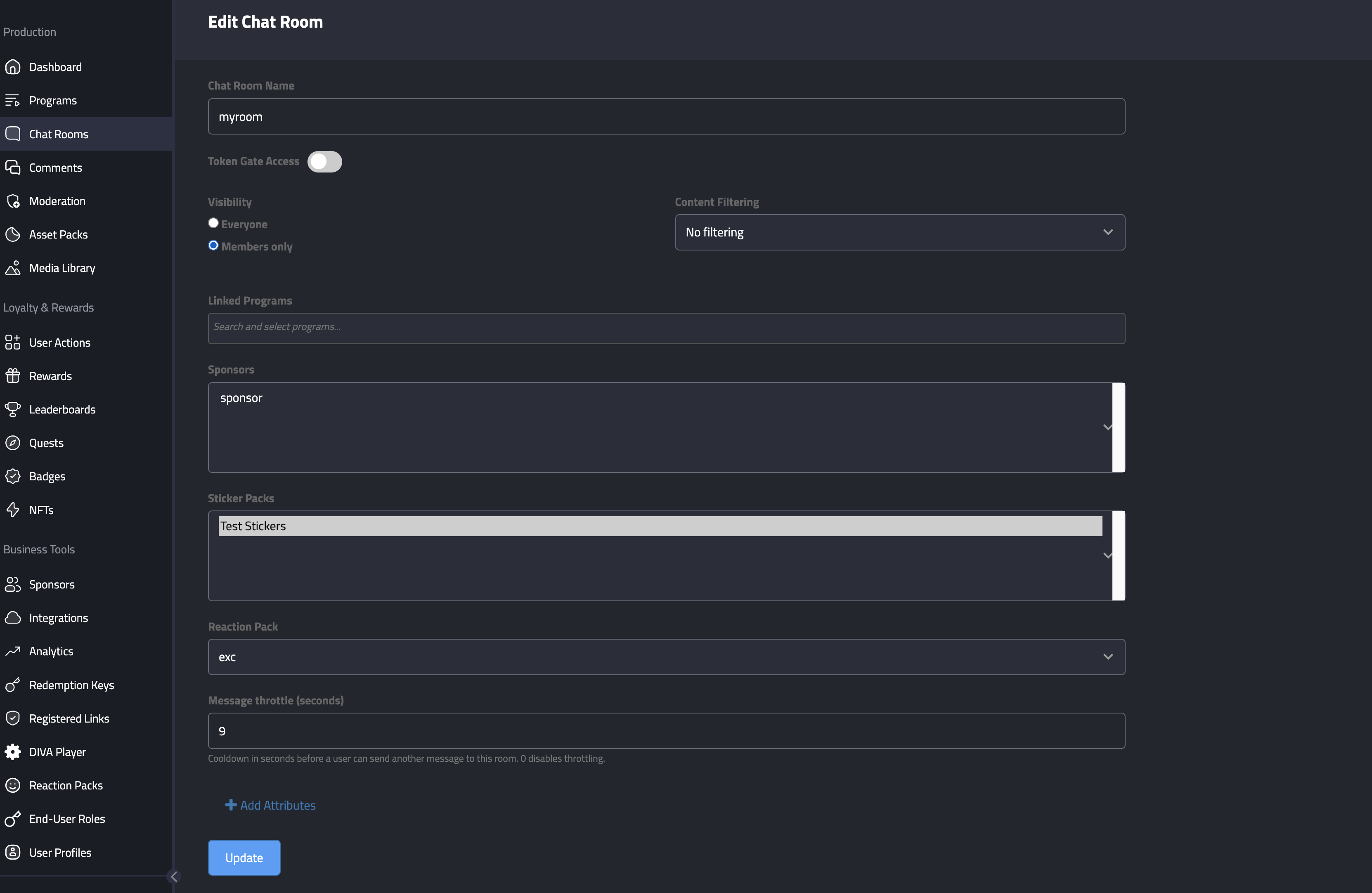
Message throttle can be set when editing an existing room.
Configuring throttling via the API
Set the throttle in the chat_message_throttle_seconds field on the Create a Chat Room and Update a Chat Room API endpoints.
Updated 10 months ago