

Sweepstakes CMS Guide
A sweepstakes is a promotional giveaway where users enter for a chance to win prizes through random selection. Unlike skill-based contests, winners are chosen purely by luck, making it accessible to everyone. The first entry is always free, and multiple entries are allowed to reward higher engagement.
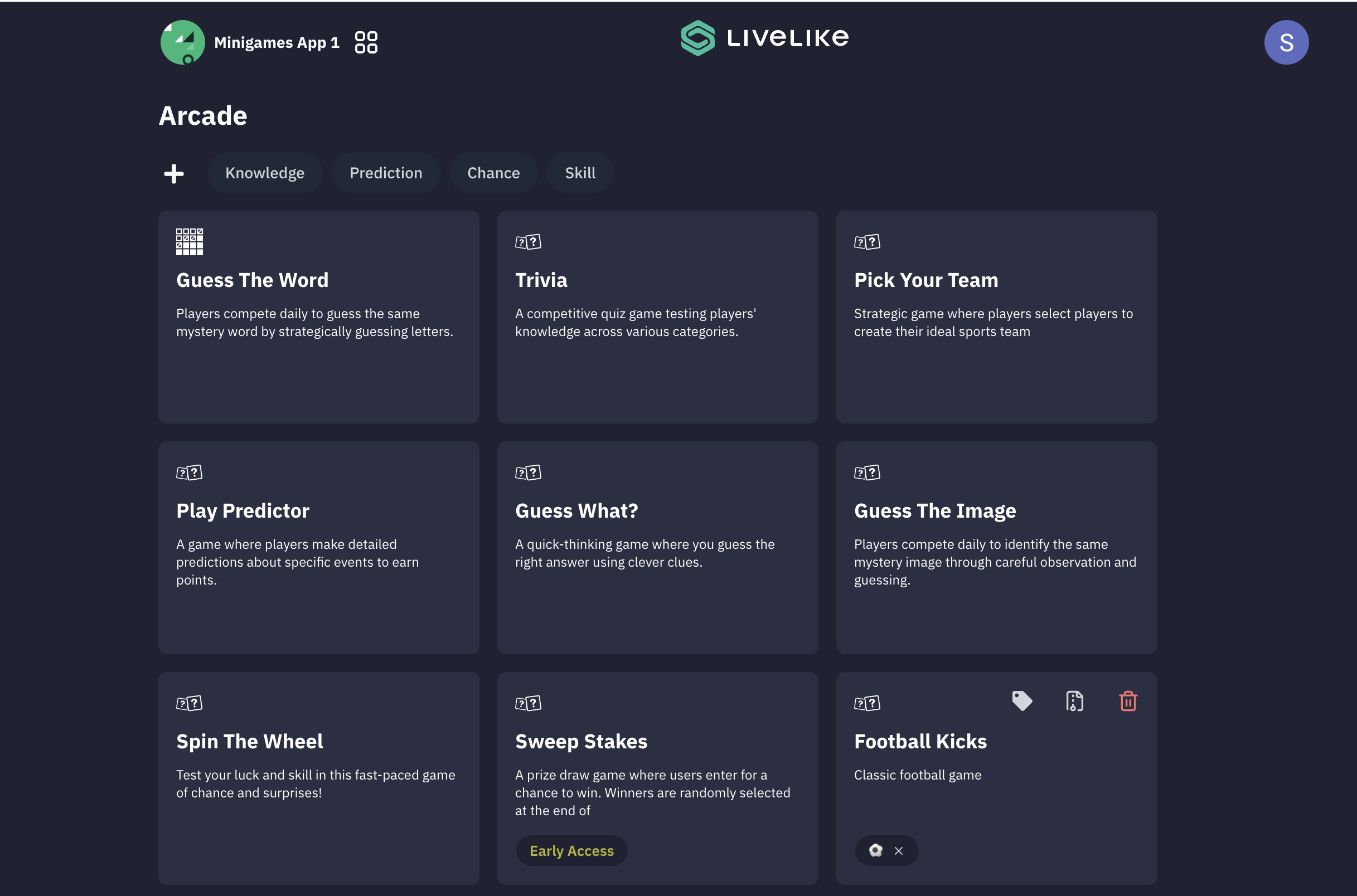
The sweepstakes experience is available in the experiences list once you log in and choose your application.
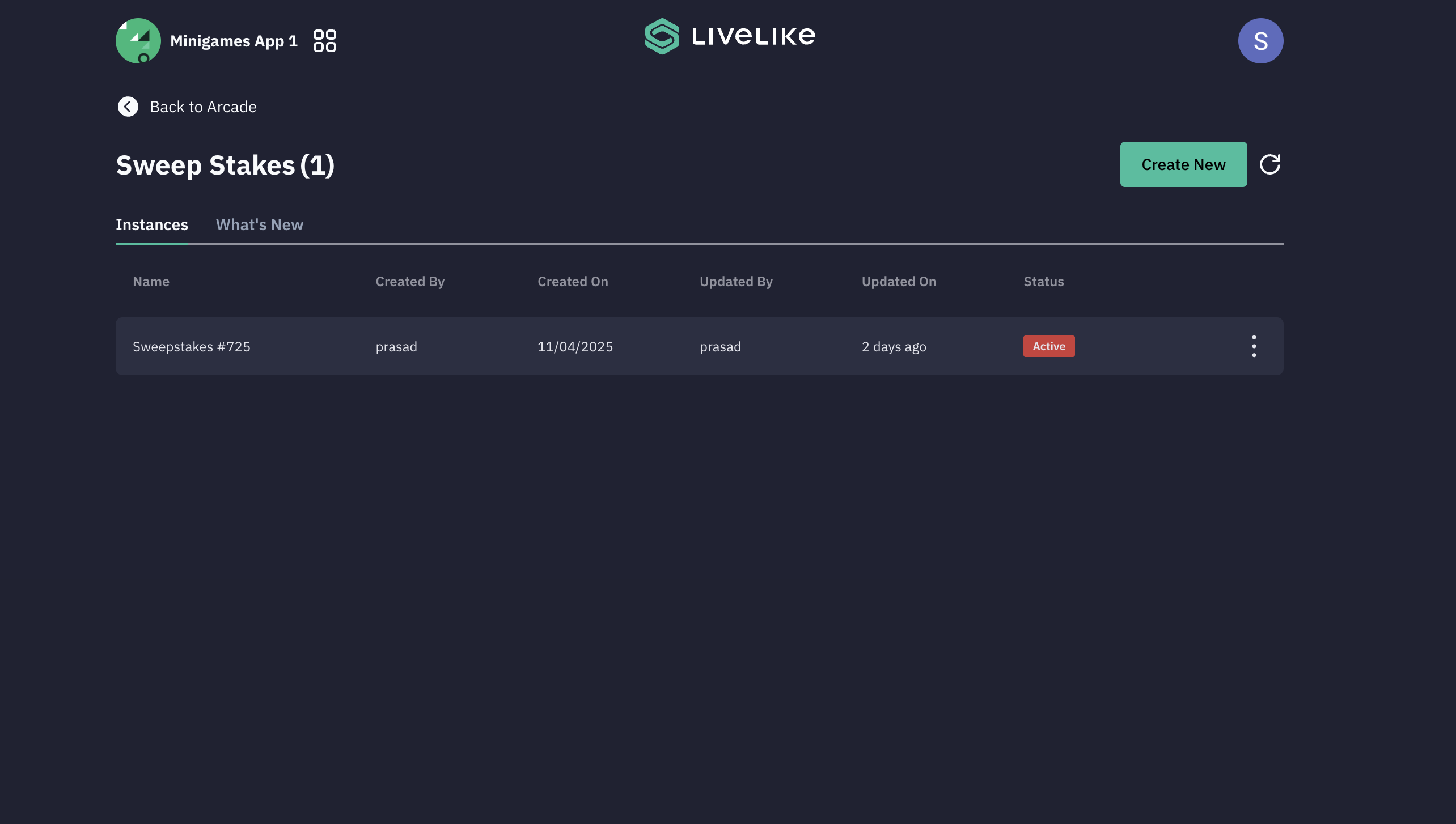
To begin, either select an existing game or click "Create New" to start fresh. The setup process consists of 9 key steps as outlined below.
Sweepstakes Setup Steps
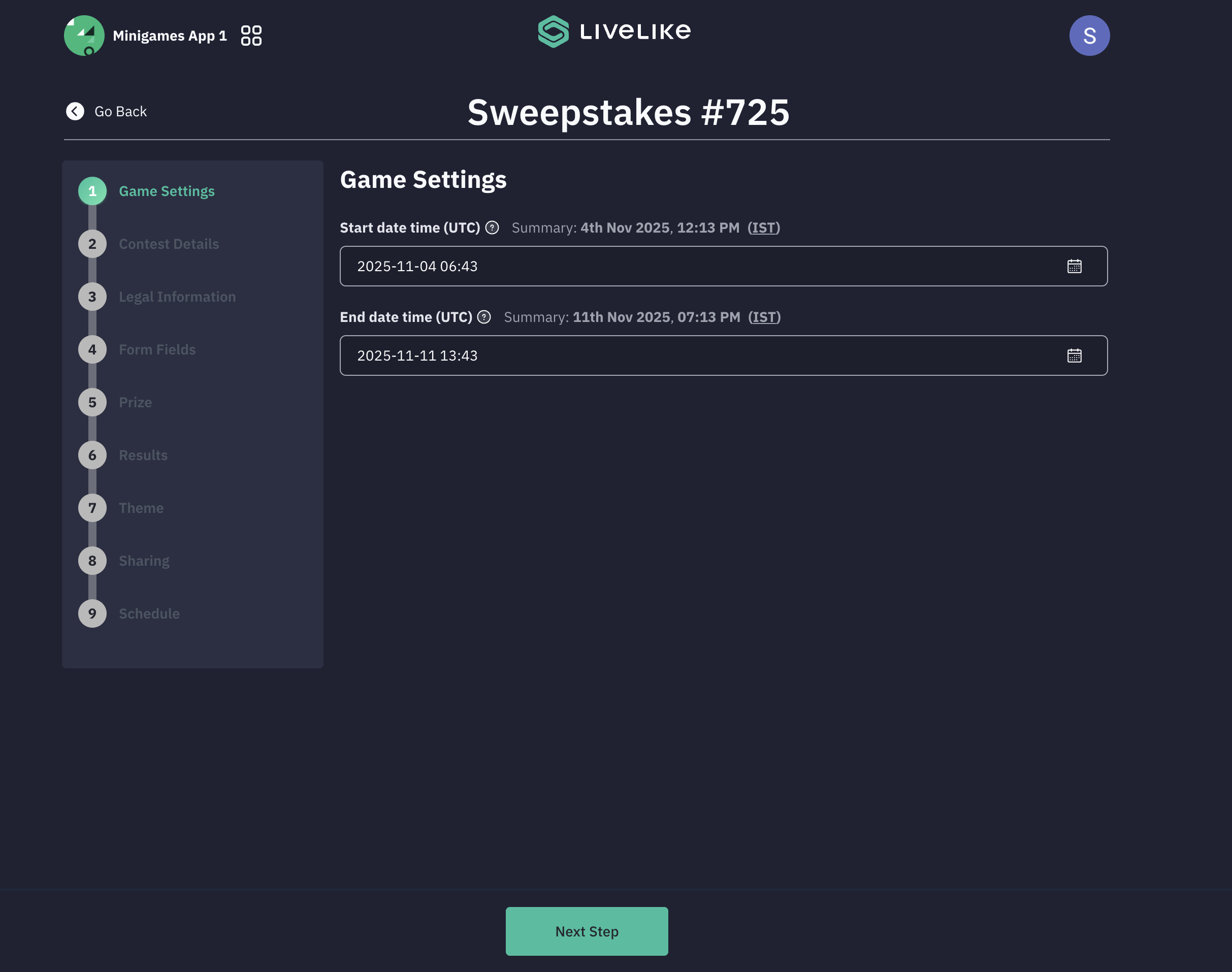
The sweepstakes setup consists of 9 key steps:
- Game Settings
Configure the start date and time and the end date and time for the sweepstakes contest.
- Contest Details
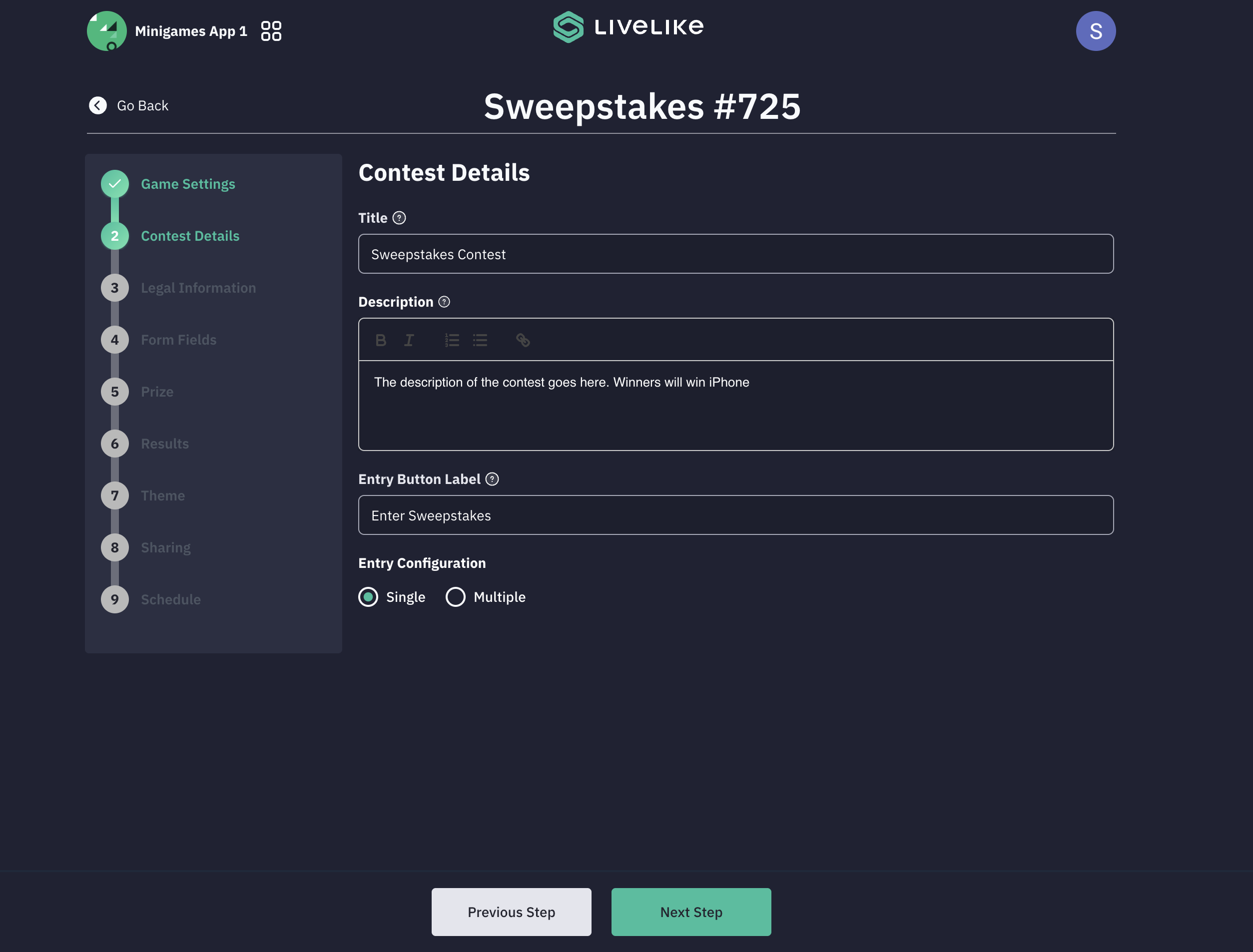
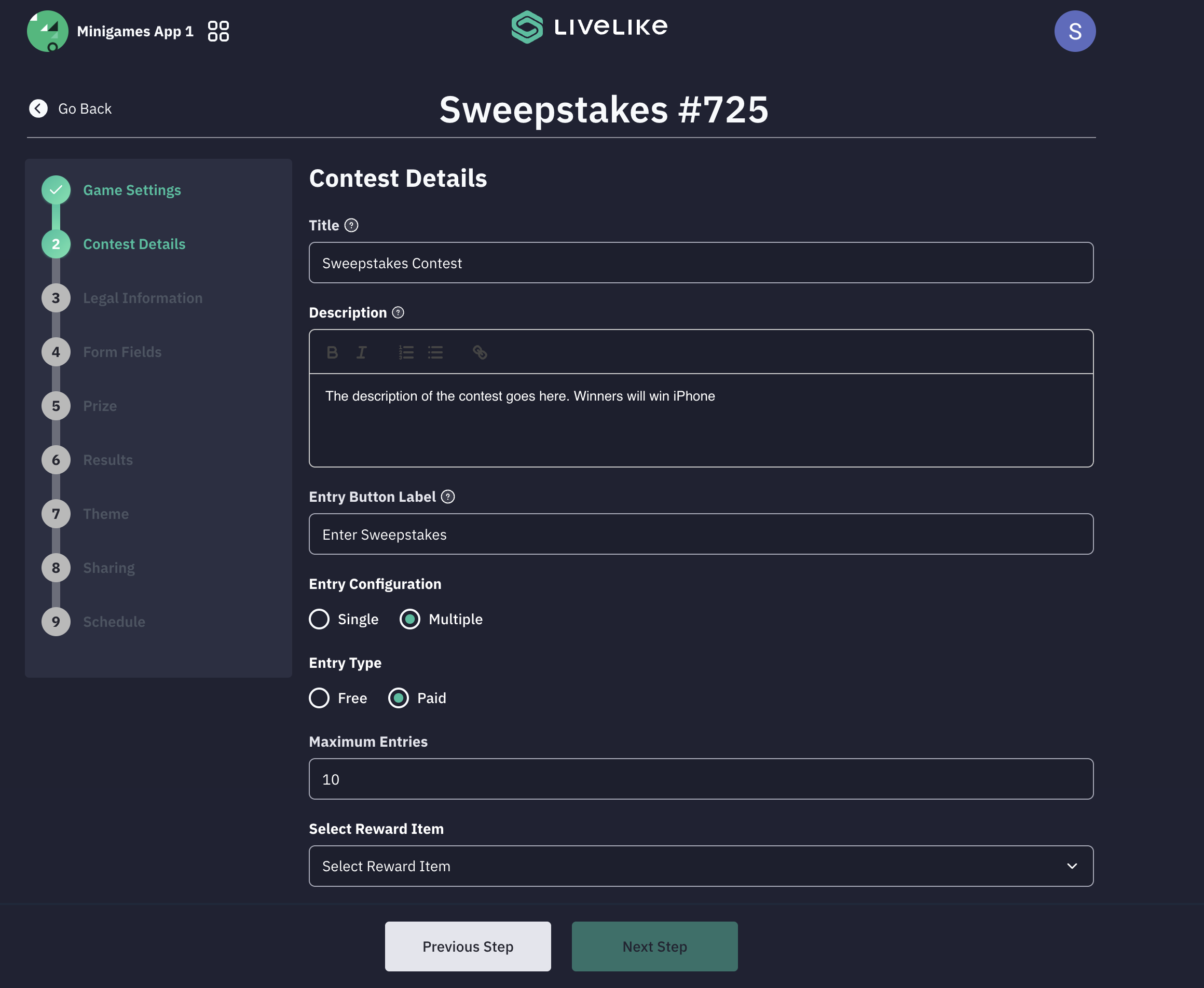
Fill in the sweepstakes contest details:
- Title: Set the contest title
- Description: Add a detailed contest description
- CTA Text: Set the call-to-action text (e.g., "Join Sweepstakes")
- Entry Configuration: Choose between Single or Multiple entries
The sweepstakes supports two entry configurations:
- Single Entry: Participants can enter only once, and the entry is free
- Multiple Entries: Participants can submit multiple entries. The first entry is free, while subsequent entries require redemption of reward points, which will be deducted from the participant's balance
- Maximum Entries: Define how many entries a participant can have (for multiple entry configuration)
- Reward Configuration: Define the reward item and the number of reward points to be deducted for each subsequent entry beyond the first free entry
Single Entry Configuration
Multiple Entry Configuration
- Legal Information
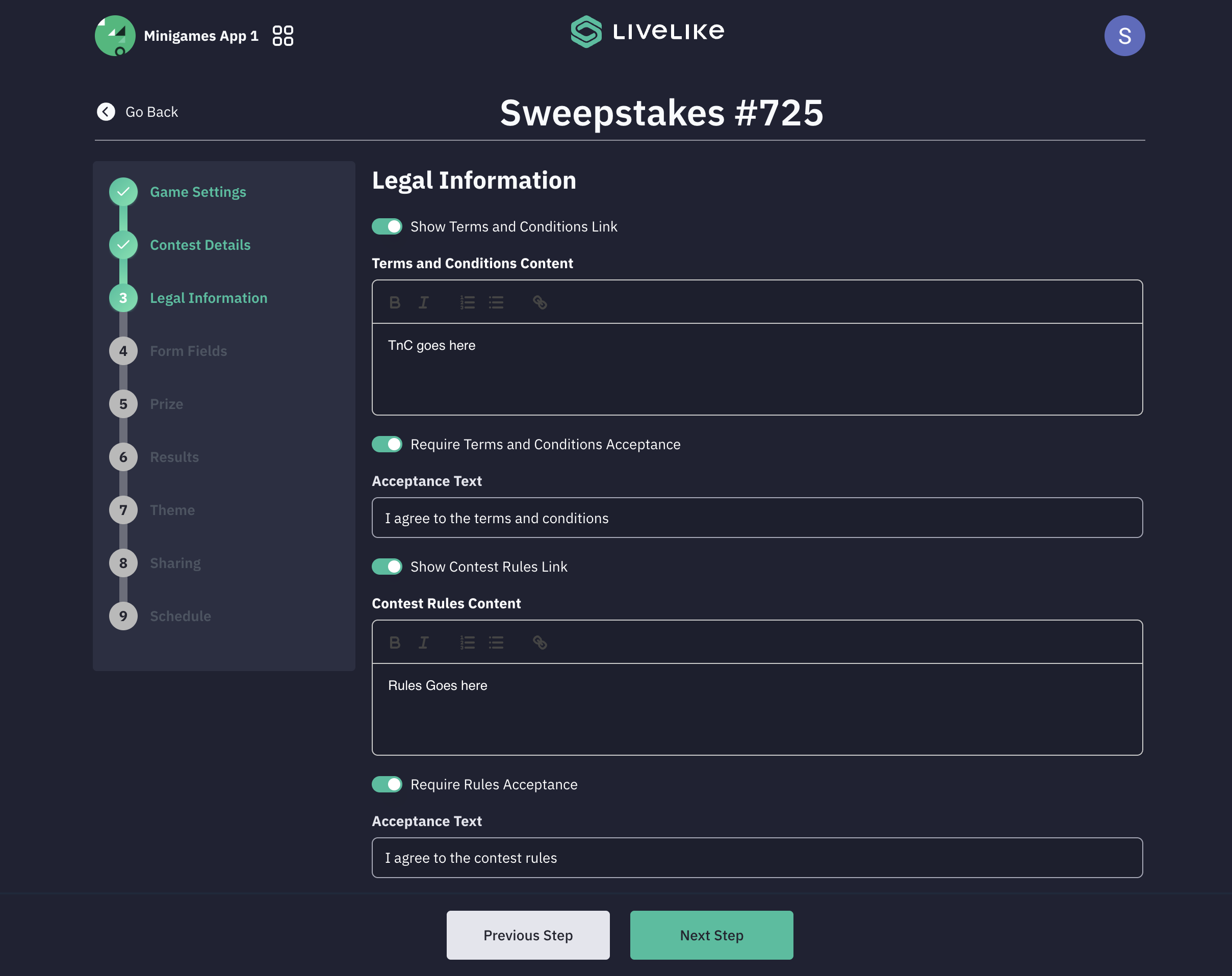
This section allows you to add legal requirements:
- Terms and Conditions: Add terms with a corresponding acceptance link. You can enable a toggle to display a checkbox for Terms and Conditions acceptance
- Rules: Add contest rules along with acceptance text and enable a toggle to show the Rules acceptance checkbox
Providing this legal information is optional and can be skipped if not required.
- Form Fields
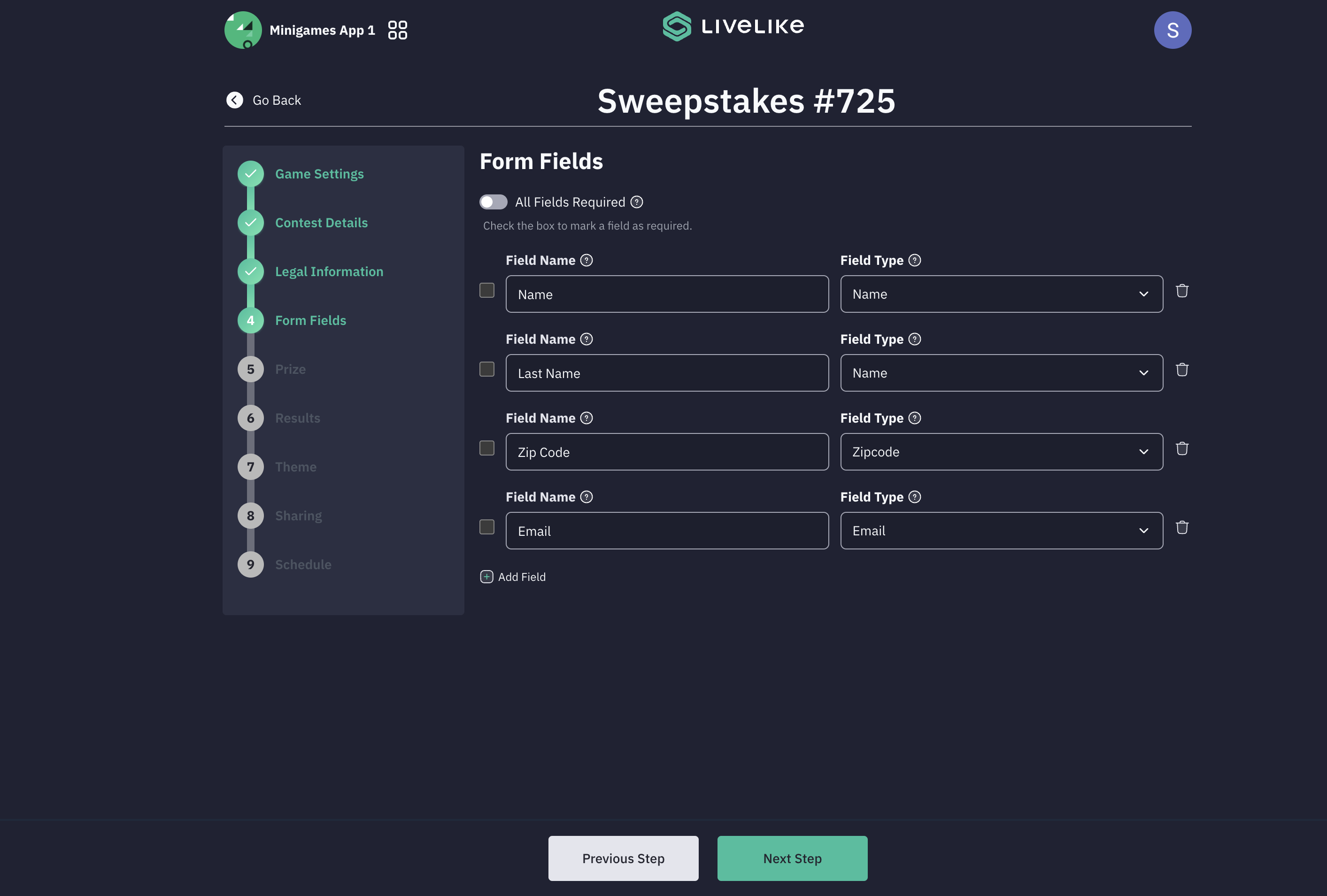
The entry form allows participants to submit their information to enter the contest. You can configure the required fields based on the information needed for participation.
This form section is optional and can be skipped if no user information is required.
- Prize Configuration
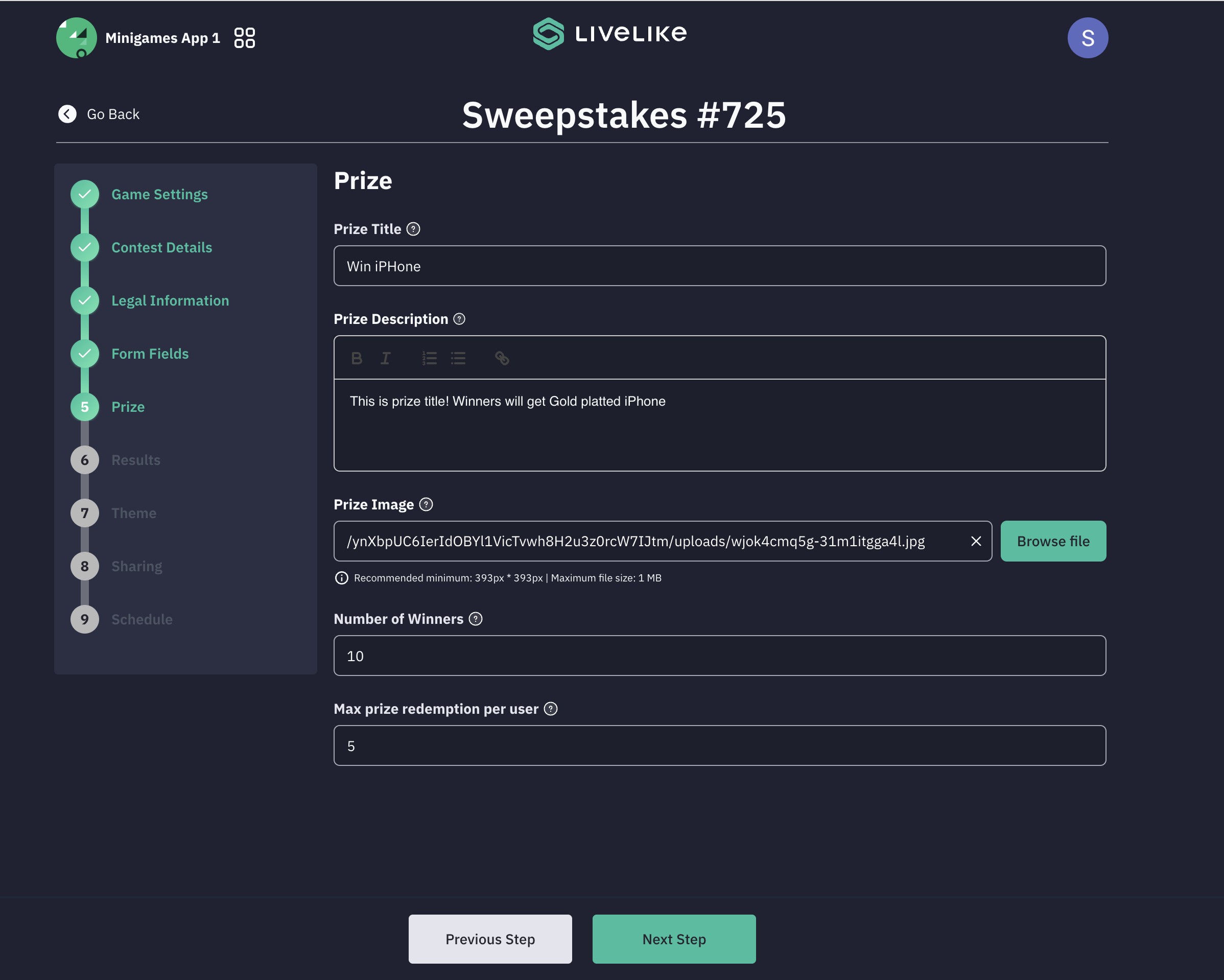
Define the prize details for the sweepstakes winners:
- Prize Title: Set the prize name
- Prize Description: Add detailed prize information
- Prize Image: Upload an image of the prize
- Number of Winners: Specify how many participants are eligible for this prize
- Maximum Prize Redemption Per User: Control how many times a single participant can be awarded the prize
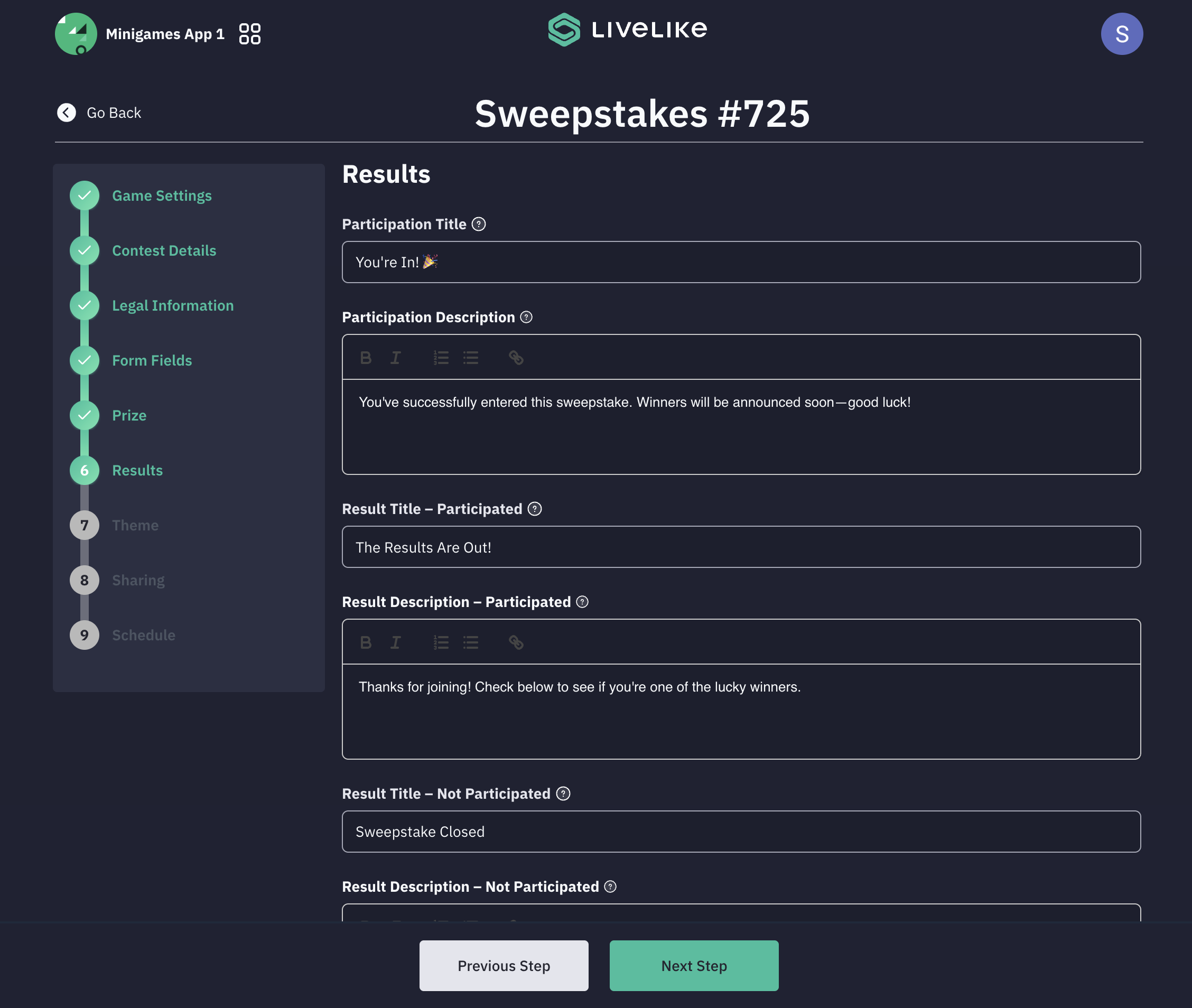
- Results Configuration
The Results section defines what participants see after they've entered the contest or when the contest has ended. It allows you to customize the display content for both participating and non-participating users.
This section includes:
- Participation Title: Displayed after a user successfully participates
- Participation Description: A short message or summary shown after participation
- Result Titles: Separate titles for users who participated and those who didn't (e.g., if they visit after the contest has ended)
- Result Descriptions: Corresponding descriptions for both participating and non-participating users
- Extra Chance Title & Description: Displayed when multiple entries are allowed, giving users another opportunity to participate
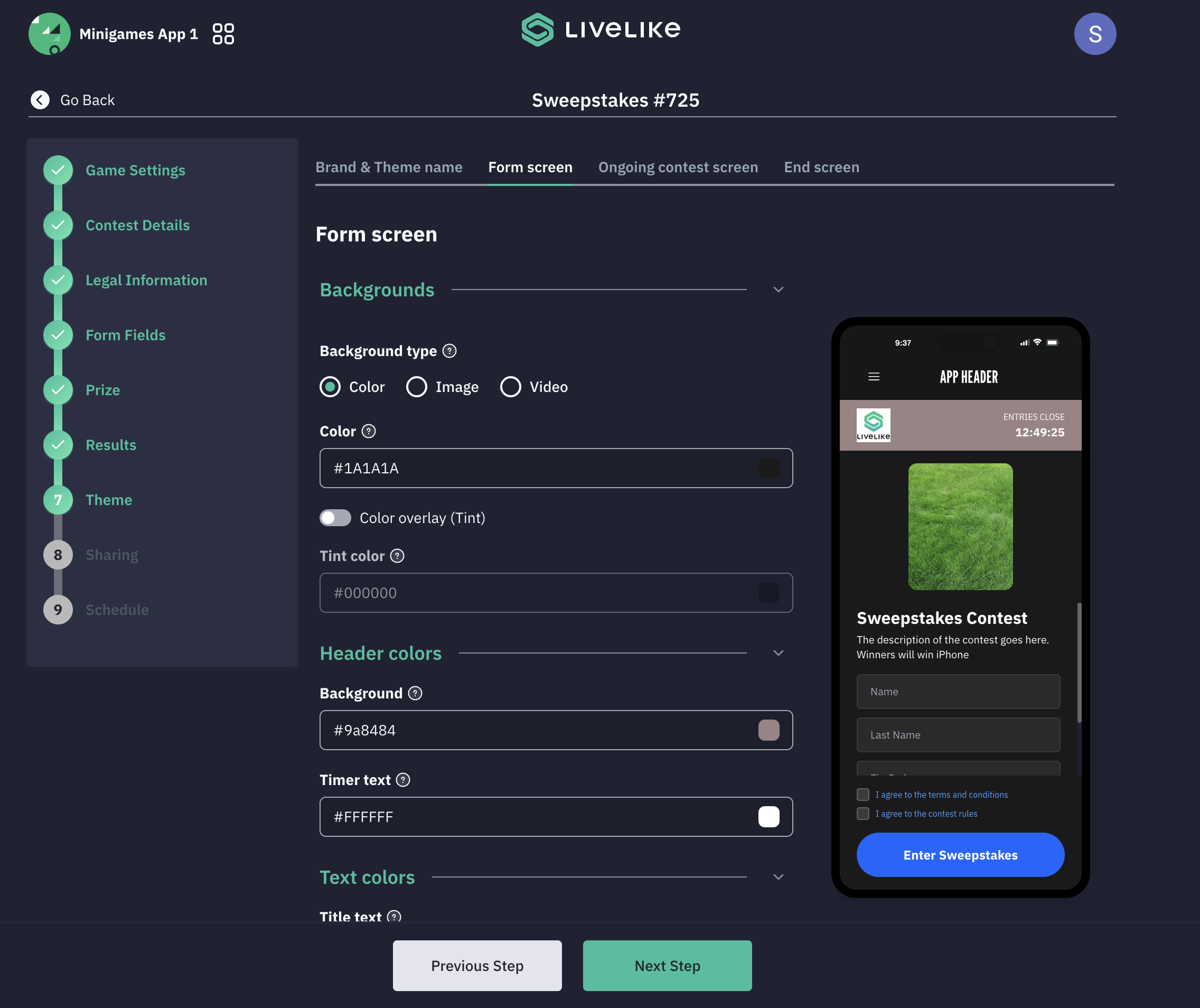
- Theme & Branding
Customize the visual identity of the sweepstakes to match your brand's theme and styling.
Theme Selection Options:
- Use Existing Theme
- Upload Custom Theme
- Create New Theme
The theming system provides support to:
- Upload brand logo
- Change background image
- Apply custom colors
Important Notes:
- The structure of the sweepstakes will remain the same
- Colors, background images, and text on Form Screen, Ongoing Contest Screen, and End Screen can be changed
- Prize images can be configured for the Ongoing Contest Screen and End Screen
- Font is configurable in the theme setup
- Background image requirements: Recommended size 1080x1920, maximum size 1MB
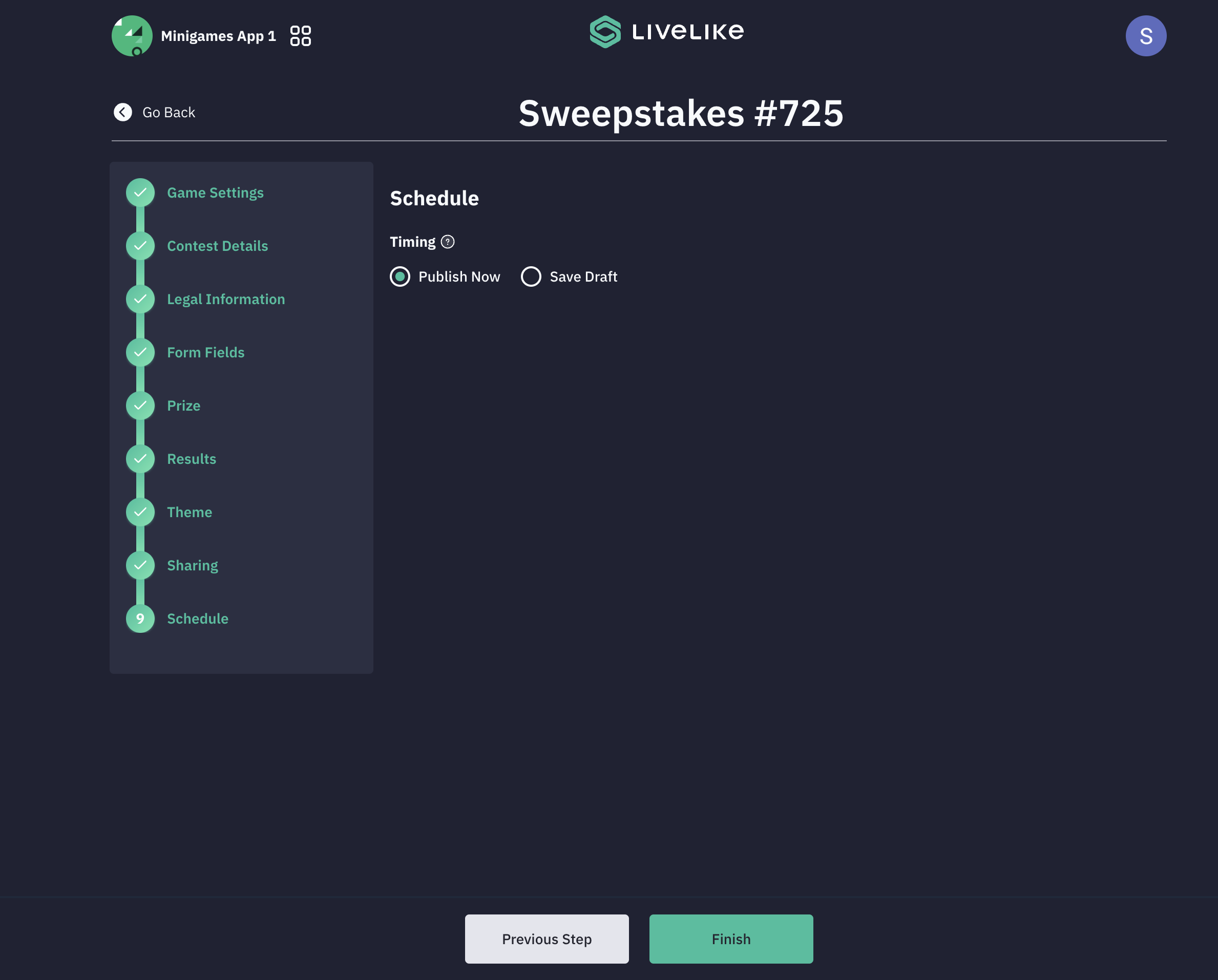
- Schedule
Choose launch timing: Either Publish Now or Save as Draft
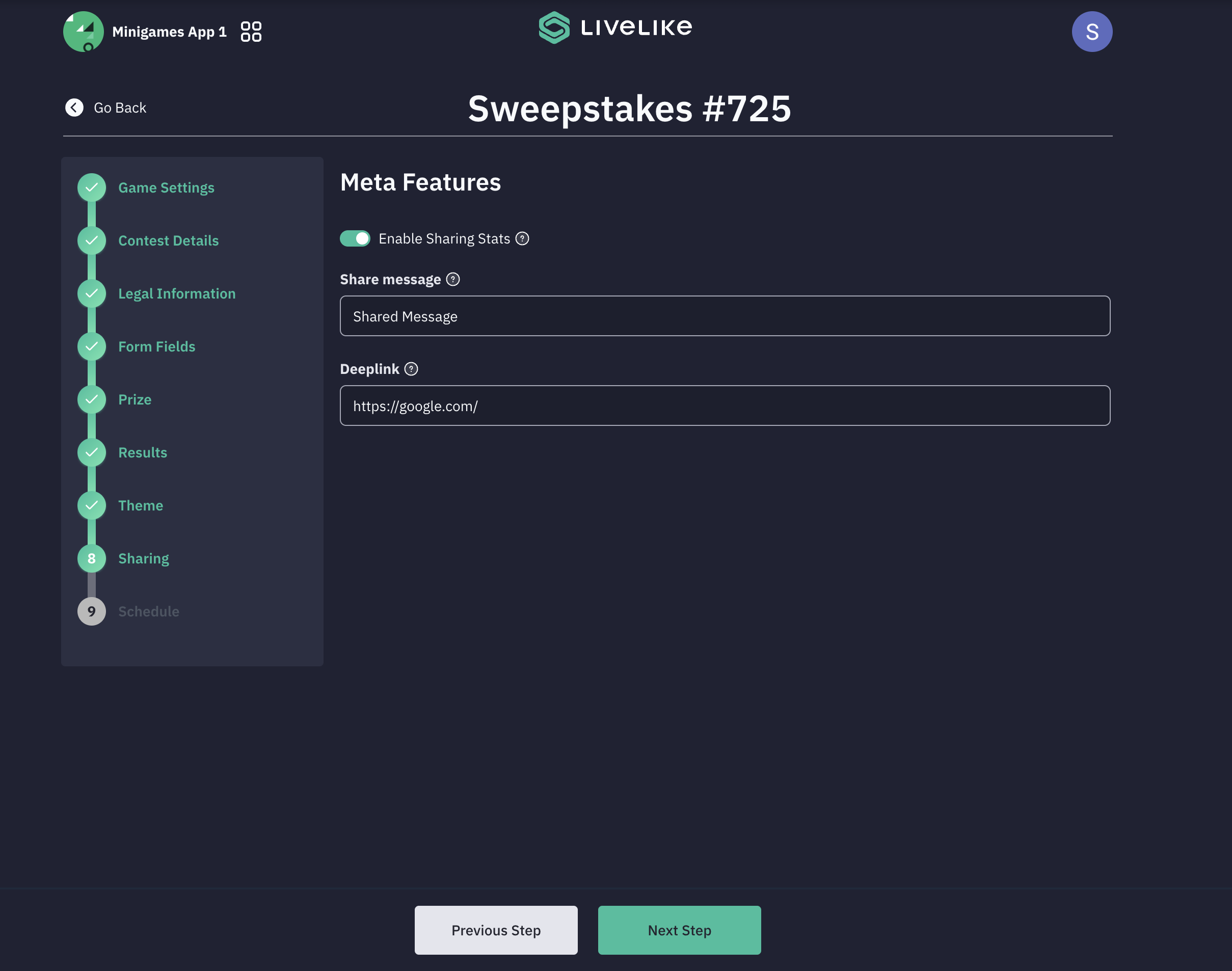
- Sharing
Configure sharing and statistics options:
i. The section includes toggles for showing user stats and enabling stat sharing capabilities.
ii. You can customize a share message to invite others. The Deeplink feature allows configuration of deep linking functionality.
Control Panel
To manage your sweepstakes after setup:
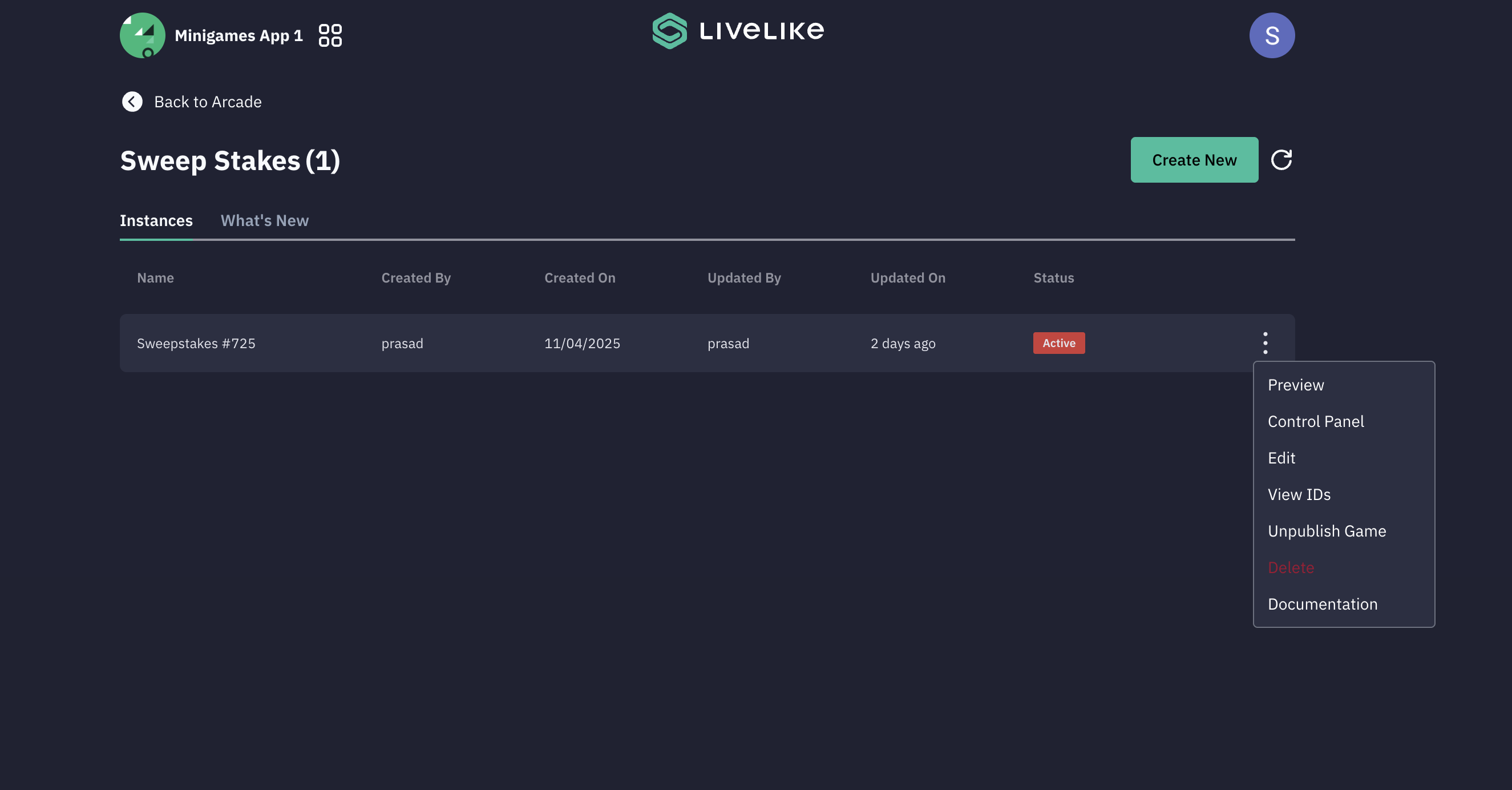
i. To check the entries of the sweepstakes contest, click on the three dots and click Control Panel
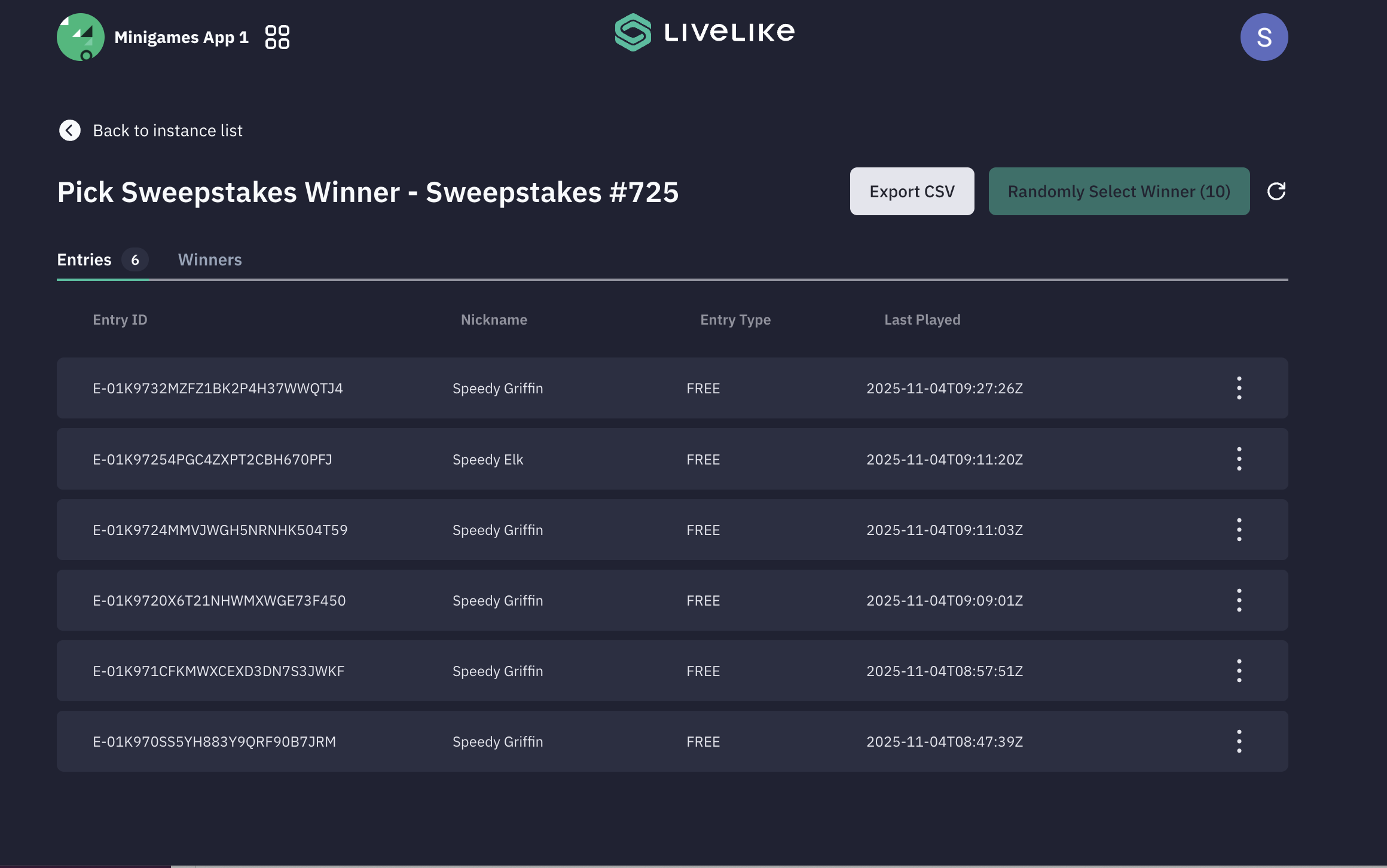
ii. You can check all the entries for the sweepstakes along with the winners.
iii. To randomly select a winner for the sweepstakes, click on the Randomly Select Winner button
iv. You will only be able to select a winner when the sweepstakes contest is over, and the Randomly select winner button is enabled
v. Export CSV will enable you to export all the entries as well as winners list
Updated 12 months ago