

LiveLike Genie
Run your LiveLike engagement program by talking to it.
Genie is LiveLike's AI operator for your engagement program. Tell it what you want in plain English — "create a three-question quiz for tonight's game", "which quests had the highest completion last week?", "every Monday at 9am, post the weekly leaderboard to Slack" — and Genie plans the work, asks you to confirm anything that changes your app, and carries it out using the same LiveLike APIs your producers use in Producer Suite.
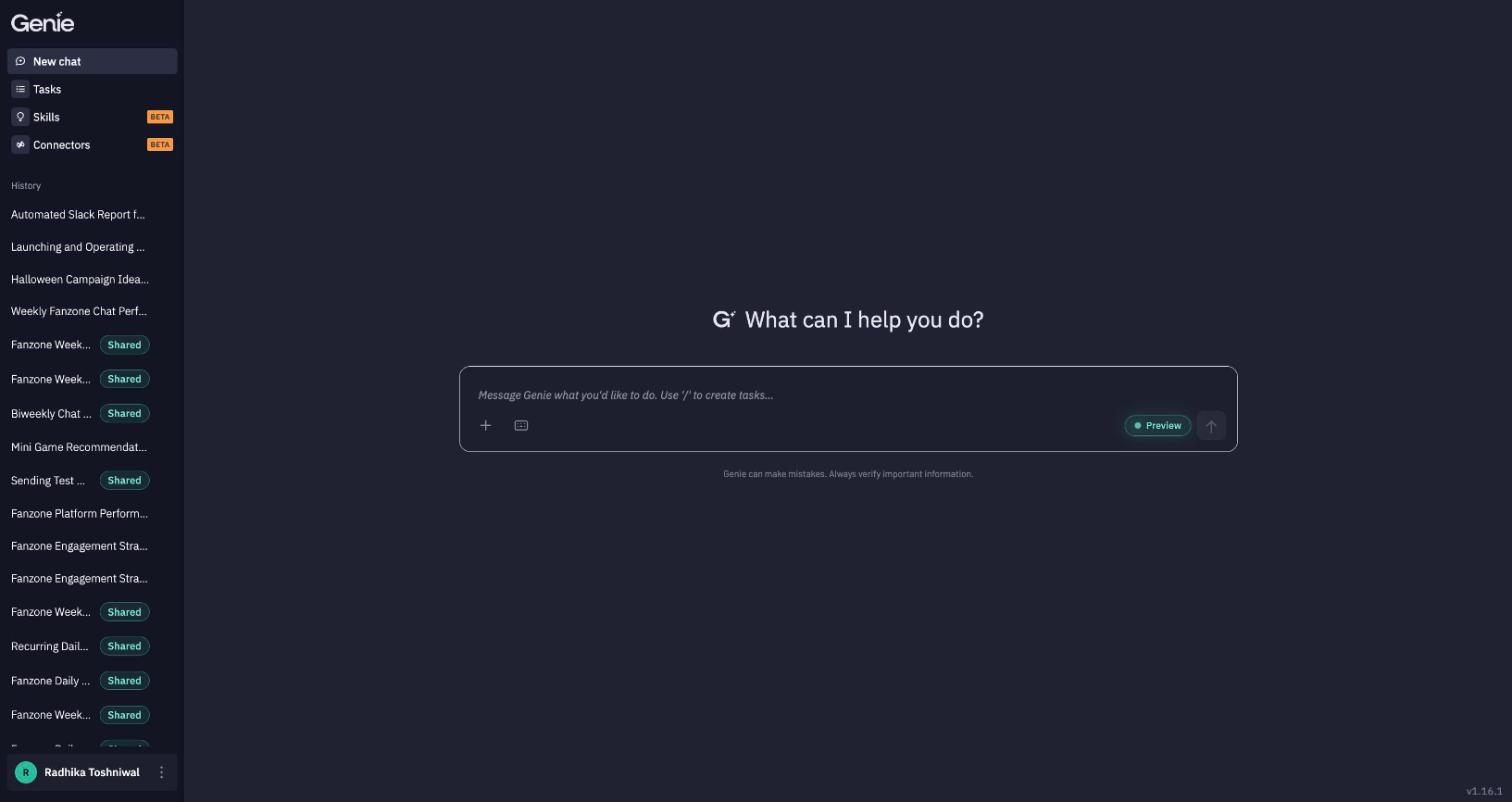
How to Enable Genie
- Contact your Account Manager
- Email [email protected]
- Once we've confirmed that Genie is enabled navigate to:
- Producer Suite → Business Tools → Genie
- This will lead you to genie.livelike.ai.
What you can do with Genie
| Build engagement | Create and manage widgets (polls, quizzes, predictions), programs, quests, badges, rewards, leaderboards, streaks, sponsors, chat rooms, comment boards, moments and trivia — with Arcade mini-games coming soon. |
| Answer questions with data | Ask about engagement in plain language. Genie queries LiveLike Analytics and explains what it found. |
| Moderate | Review chat rooms and comment boards, classify content and manage user bans. |
| Automate recurring work | Turn any request into a Task that runs on a schedule — daily recaps, weekly leaderboard resets, pre-game content drops. |
| Teach it your house rules | Write a Skill once — a naming convention, required attributes, a tone of voice — and Genie applies it every time it's relevant. |
| Reach your other tools | Add Connectors (Slack, Asana, Segment, Sportradar and more) so Genie can read from and act in the services around LiveLike. |
| Try what's next | Turn on Preview Settings to test agents that are still in preview, without changing how Genie behaves for anyone else. |
How Genie works
- You ask. Type a request in the chat, attach files if they help, and send.
- Genie routes and plans. An orchestrator picks the right specialist agent (Widgets, Quests, Analytics, a connector, and so on). For multi-step requests it builds a plan, and steps that don't depend on each other run together.
- You confirm. When a decision is yours, Genie asks. Before it saves anything important, it shows you the plan and waits for you to reply confirm.
- Genie reports back. You get a summary of what happened, with links to the resources it touched.
Every conversation is saved as a session you can return to, rename, or continue later.
Where to go next
- Getting started — open Genie from Producer Suite and send your first request.
- Working in chat — the message box, files, confirmations and shortcuts.
- Features — everything Genie can manage, agent by agent.
- Tasks · Skills · Connectors · Preview Settings
- Getting the best out of Genie
Updated about 7 hours ago